HOW IT WORKS.
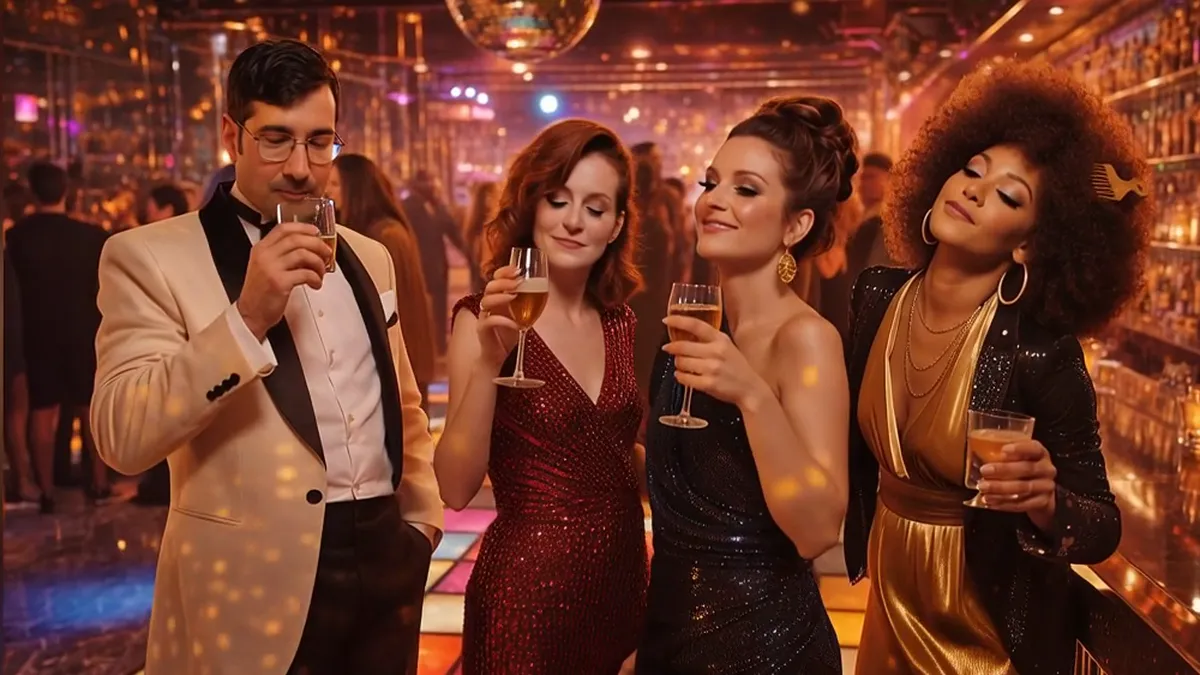
The current product
From host setup to the Party Gallery.
 01
01Host setup
Name the event, choose the available Looks, and open the event QR code.
 02
02QR entry
Guests scan the code and join the browser experience on their phone.
 03
03Photo, Look, result
Guests take a photo, choose a Look, and review generated image results.
 04
04Choose and submit
They select a generated result, may add an optional message, and submit it.
 05
05One-at-a-time presentation
Submitted generated moments can appear one at a time throughout the event.
 06
06Party Gallery
Generated portraits and completed outputs stay together after the event.
NINE STEPS. ONE MOMNT.
Set the event
Pick your date, event type and MOMNT plan.
Choose the Looks
Select curated Looks. Celebration adds customisation. Signature adds 3 bespoke Looks.
Put the QR in the room
On a screen, table card, invitation or anywhere guests can scan.
Guests contribute
Photo, video, Look, message or voice. No download required.
The Live Wall grows
Approved contributions appear live, one at a time.
Trigger the Reveal
At the peak of the event, the countdown starts.
The Collective MOMNT appears
The Collective Portrait resolves, followed by the Collective Film where included.
Everyone gets the Gallery
The event continues after the room empties.
Optional physical keepsake
Add a 7-inch or 10-inch Infinite Object.